
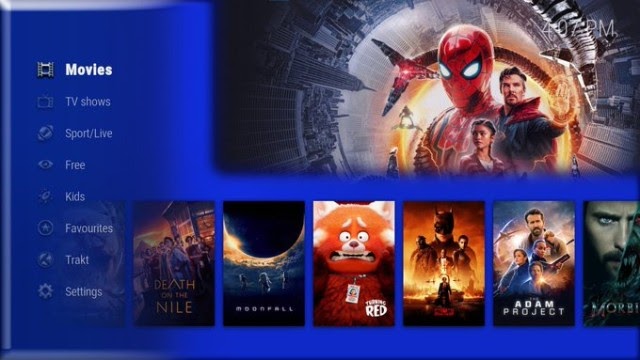

Cosmic One Build For Kodi 19 Matrix.
Cosmic One is a New Kodi 19 Build and can be installed through Funs Wizard . This Build will work on Windows, Android, Mac, iOS, and Fire TV devices .
It has sections for Movies, Tv shows, Sports, Live TV, Kids And More!.
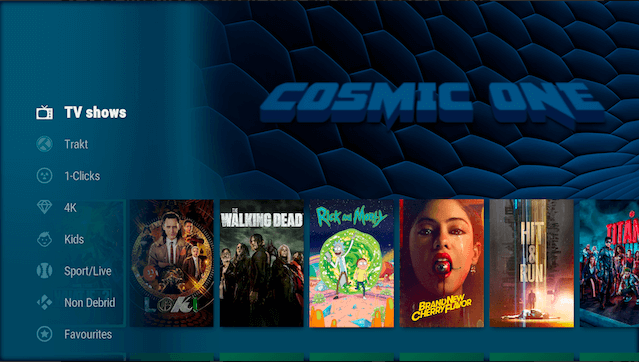
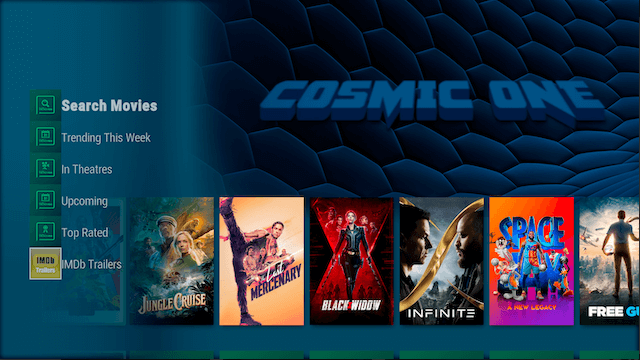
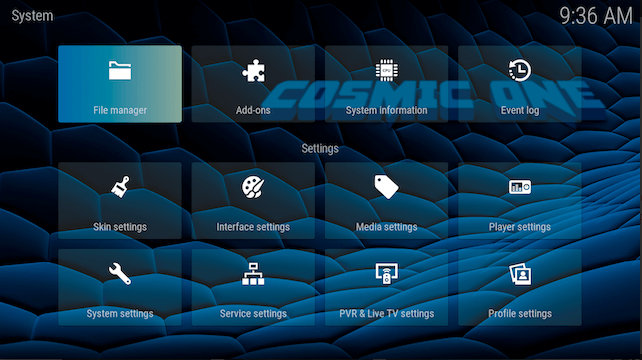
Guide for installing the Cosmic One Build On Kodi.
– HOME Screen > Add-ons > Settings button  > Be sure to set Unknown Sources to On and Update Official Add-ons from Any Repository for future updates.
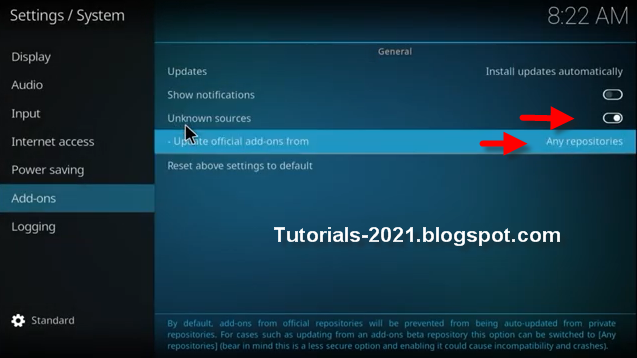
– Go back to your Home Screen
– Select Settings button
– Select File Manager 
– Select Add Source.
– Select Name
– Enter https://funstersplace.net/funs in the top box
– Enter FUNS in the bottom box > Click OK.
– Go back to Home screen and Select Add-ons
– Click the add-on browser 
– Select Install from zip file > (Click YES to the warning)
– Select FUNS
– Select repository.funstersplace-x.x.zip.
– Wait for Add-On Enabled Notification
– Select Install from repository
– Select Funsersplace 19 Repository
– Select Program Add-Ons
– Select Funs Wizard
– Select Install
– funs wizard is now installed and ready to use.
– BACK to HOME screen > Add-ons > Program Add-ons > funs wizard
– Click Build Menu
– Select Your build – Cosmic One Build – > Install (Fresh install).
– Select Yes, Install.
– The build will now download and install.
– Click OK when finished and that will force close Kodi.
– Open Kodi and leave for a couple of minutes so any updates can be completed.
Leave a Reply